
Post-Installation Retrofit Guidance
To keep warranties valid:
- Arrange annual servicing
- Do not attempt repairs yourself
- Contact support if problems occur
Your Home Energy Upgrade Post-Installation Retrofit Guidance
If you’ve recently had a retrofit installation from Fairway Energy, congratulations on your new home energy improvements. This page explains how to use and care for your new systems, what’s normal, and what to do if something doesn’t seem right.
Please bookmark this page – it contains important information about troubleshooting, and support.
How Your Heat Pump Works(Simple Guide)
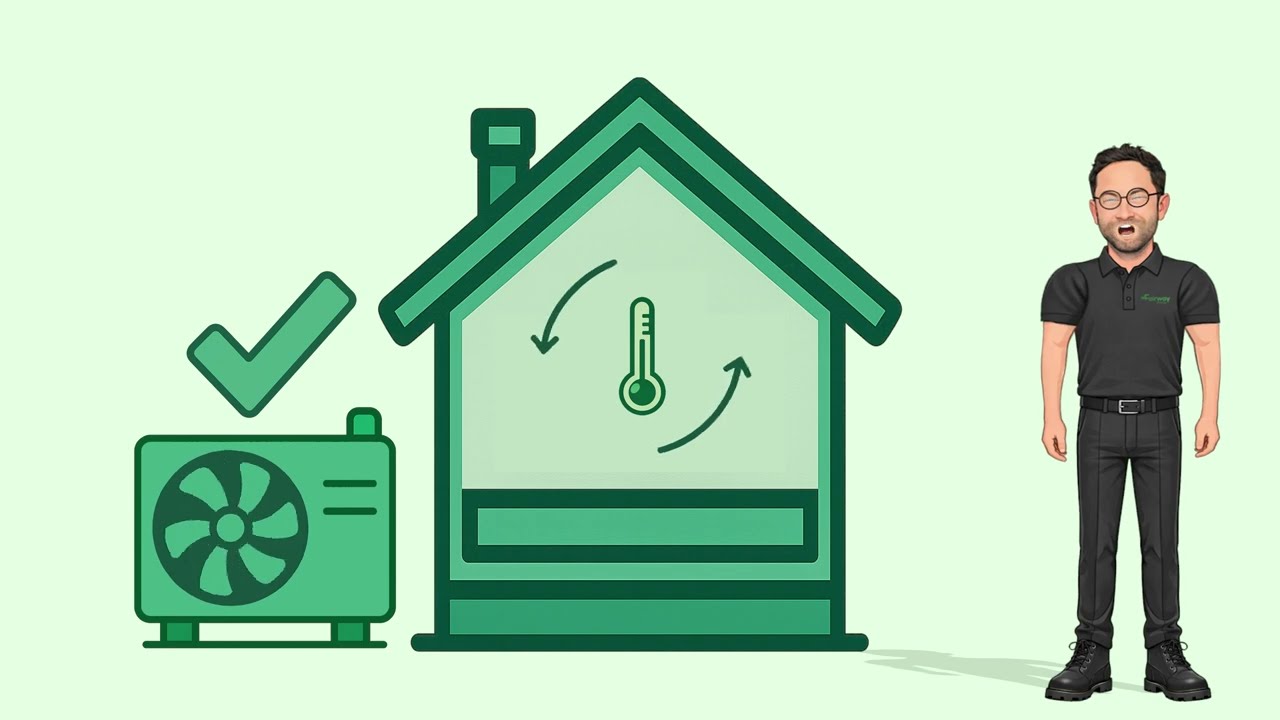
Your heat pump provides steady, gentle heating rather than short bursts of heat. It works best when maintaining a consistent temperature.
For best comfort:
- Leave the system running rather than turning it on and off
- Adjust temperature gradually
- Allow time for the home to warm up
What’s Normal After Installation
You may notice:
- Longer heating run times at lower intensity
- The system is designed to run quietly, with only a soft operational sound when it’s actively heating
- More consistent indoor temperatures
- Smart controls learning your schedule
These are normal and part of efficient operation.
Using Your Heating Controls (Step by Step)
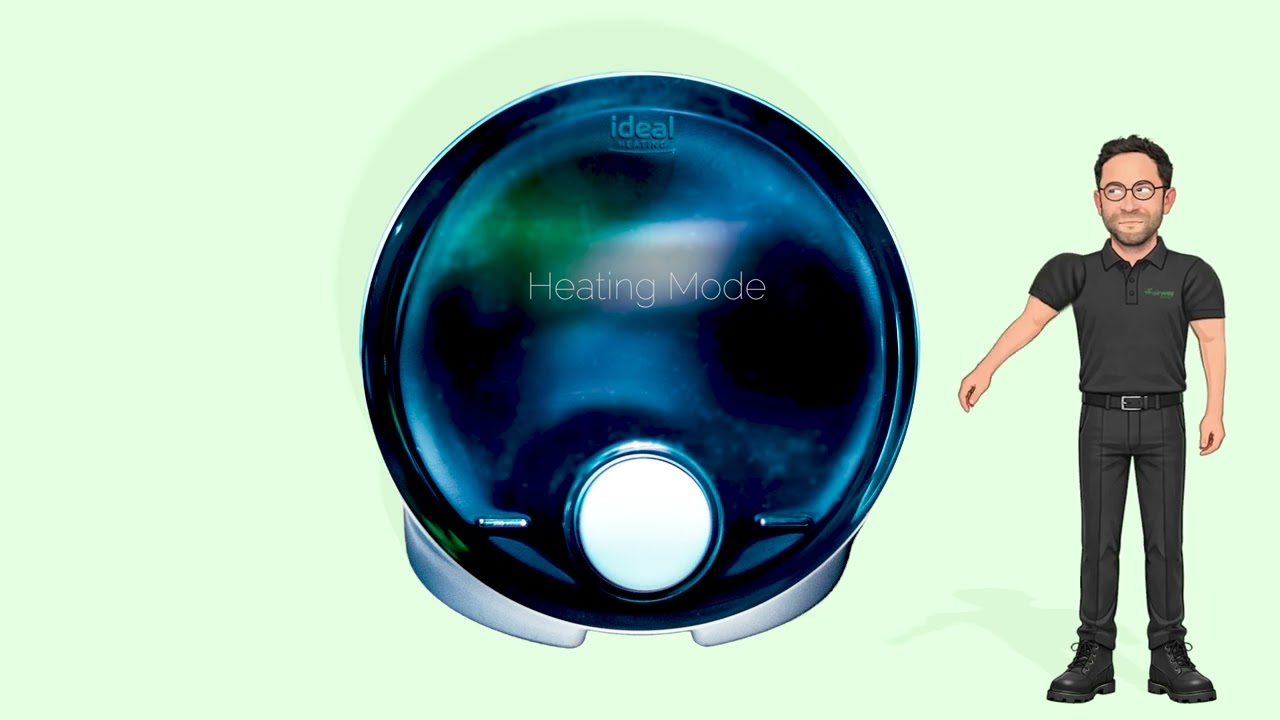
Adjusting the temperature
- Locate your main thermostat or controller
- Use the up/down buttons to select your desired temperature
- Wait 10–20 minutes for changes to take effect
Please note: Heat pumps work best when maintaining steady, continuous temperatures. It is recommended to set the temperature to your desired level and leave it there – often referred to as “set and forget.”
Turning heating on or off
The system may need to be switched off during electrical work or maintenance.
To switch the heating on or off:
- Press the heating mode button on the controller
- Select heating on/off, as required
Please remember: Avoid frequent switching with normal use, as heat pumps operate more efficiently when running steadily.
Troubleshooting Guide
Follow the steps in order before contacting support.
No heating or hot water?
Step 1 – Check the thermostat
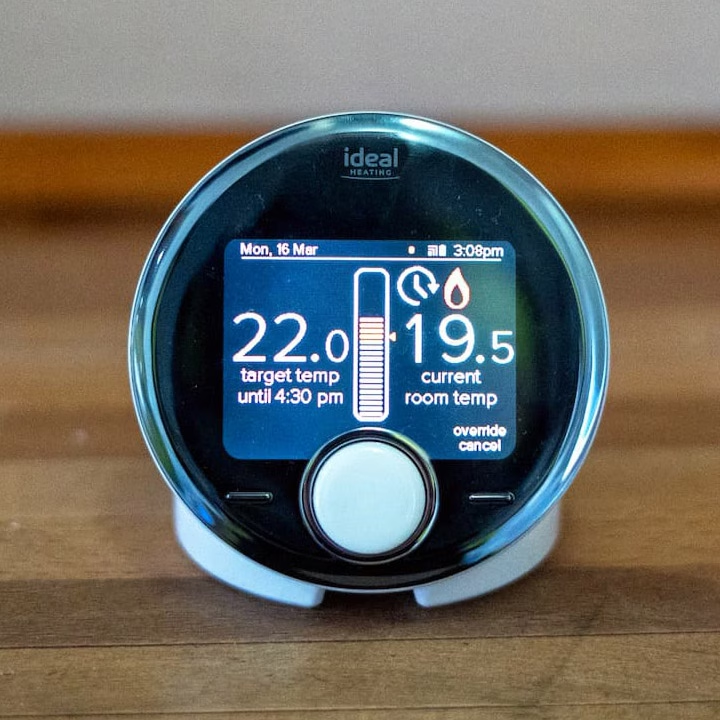
Is it turned on and set high enough?
If YES → go to Step 2
If NO → adjust settings and wait
⬇
Step 2 – Check power supply
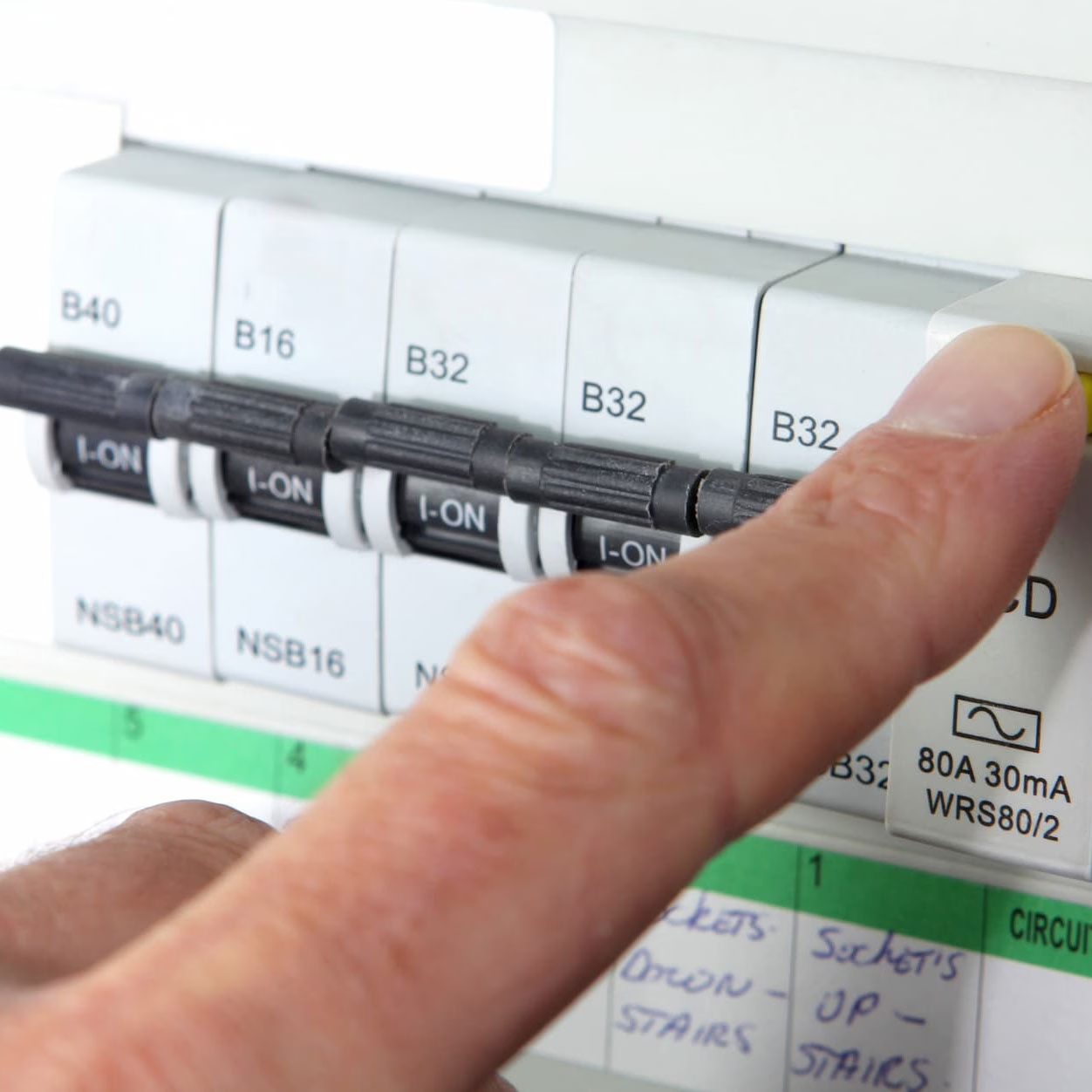
Has a fuse tripped or power gone off?
If YES → restore power and wait
If NO → go to Step 3
⬇
Step 3 – Check system pressure
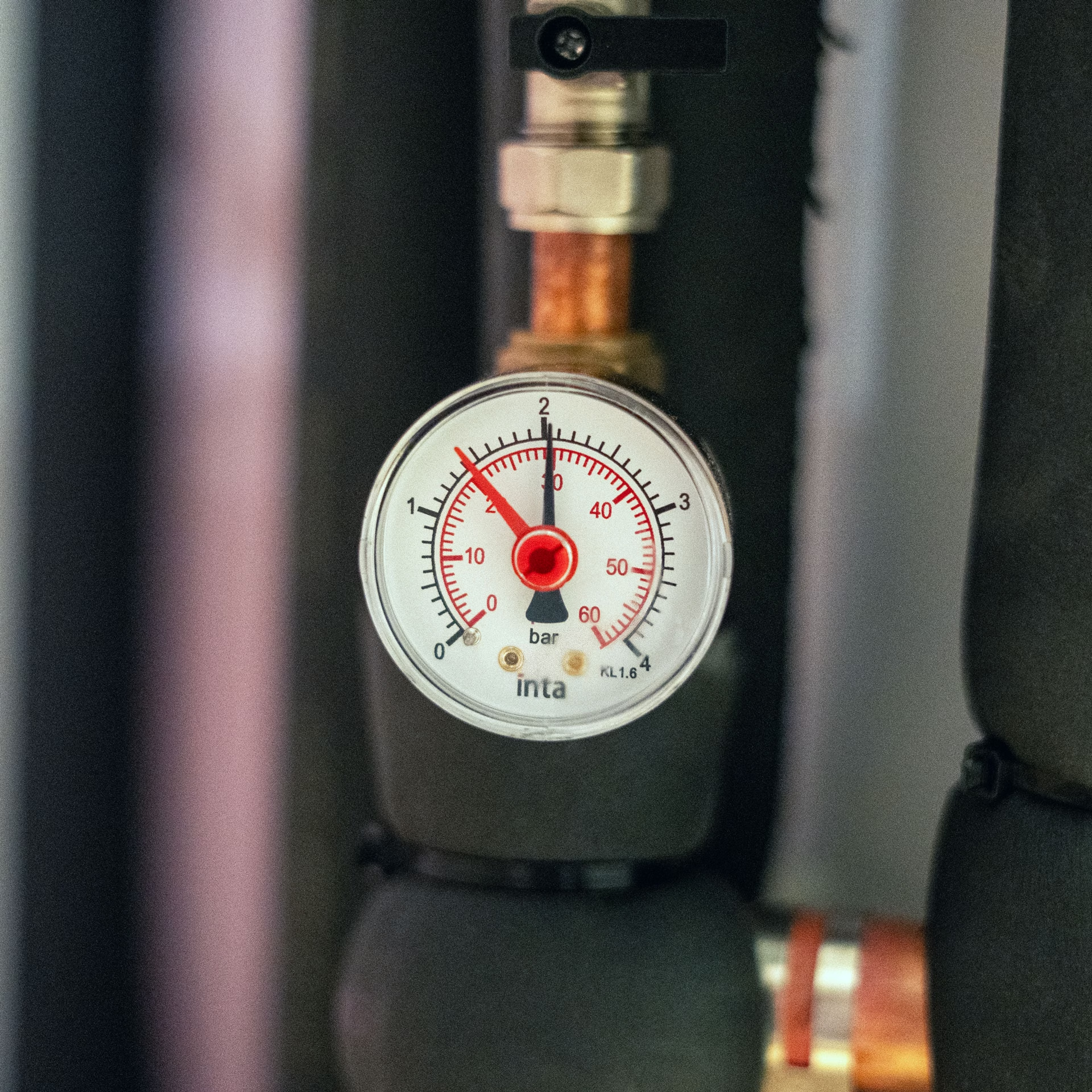
Is pressure between 1 and 2 bar?
If YES → go to Step 4
If NO → see “Low pressure” guide below
⬇
Step 4 – Restart the system
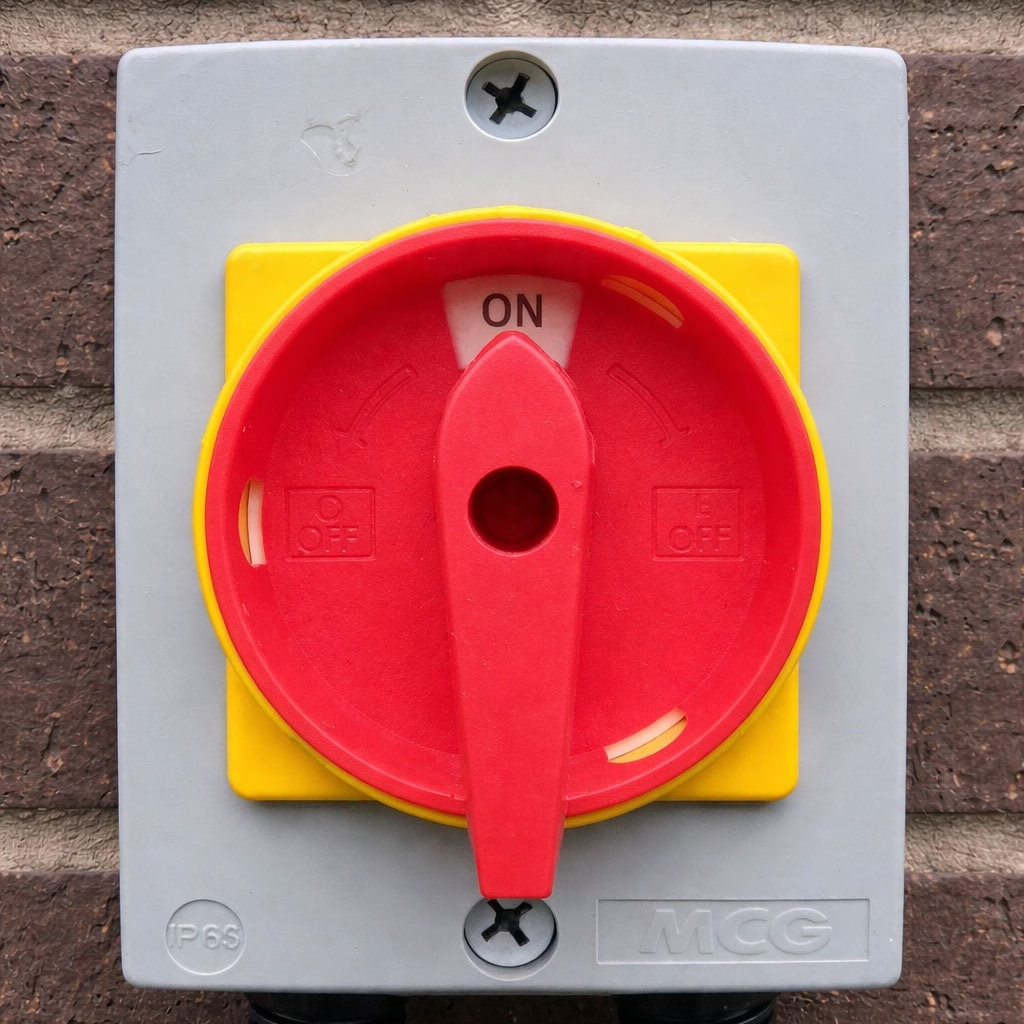
Turn controller off for 30 seconds and restart
If still no heating, contact support
Solar System Quick Checks
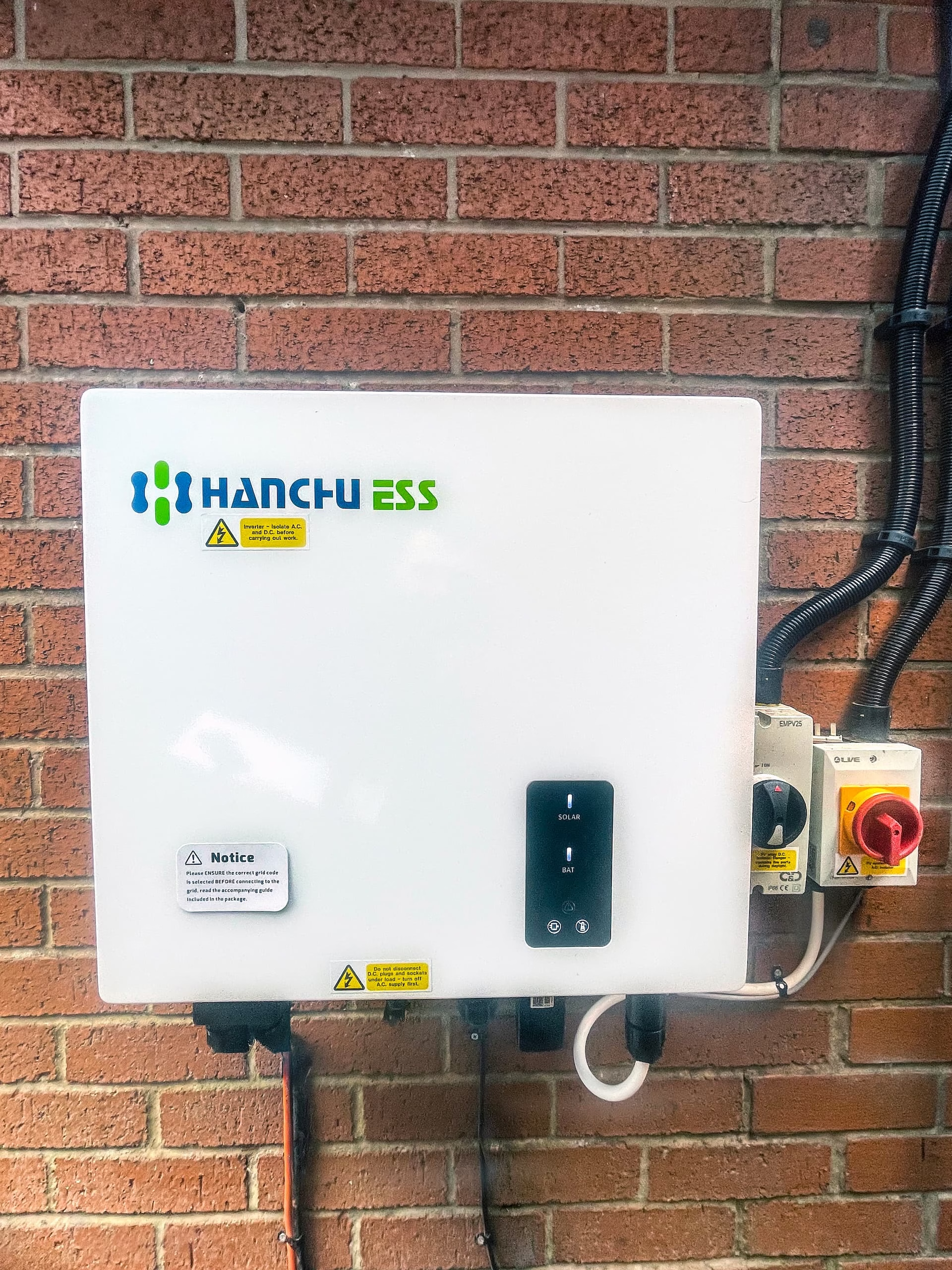
If solar generation seems low:
- Check that the display is on (if the inverter is in an easily accessible location)
- Look for warning messages
- Confirm household power is working
Do not open or repair solar equipment.
Contact support if warnings remain.
Restarting the System
If the system becomes unresponsive:
- Turn the main controller off which is located outside
- Wait 30 seconds
- Turn it back on
- Allow several minutes for restart
If the system does not restart, contact support.
Low System Pressure Guide
If pressure is below 1 bar:
- First, inspect the area carefully for any signs of water leakage.
If you notice any leaks, please stop immediately and contact us for assistance. - If there are no visible leaks, find the filling loop near the hot water tank
- Slowly open the valves
- Watch the pressure gauge rise
- Stop at 1.5 – 2 bar
- Close valves tightly
If pressure drops again within a few days, contact us.
Care and Maintenance
To keep your system running well:
- Keep outdoor units clear of leaves and debris
- Do not block ventilation areas
- Keep equipment spaces accessible
- Arrange annual servicing with an MCS-certified company Visit: mcscertified.com
When to Contact Us Immediately
Call support if you notice:
- No heating or hot water after checks
- Repeated pressure loss
- Water leaks
- Persistent warning lights
- Loud or unusual noises
Warm Homes Local Grant
📞 0151 294 2995
ECO4 and other grant schemes
📞 0151 559 1563